Choose the shape of the answer
Are you picking a label, placing something on a scale, or checking a claim? Those are different questions. Try each one on a rental listing, then explore Jev 1.14’s experimental Box answers on a workshop image.
The listing and distributions are invented for teaching. No lab on this page calls a model.
Three text answer spaces, plus image location
Picture a rental search interface. A layout filter needs a category. A condition sort needs a scale. A “dogs allowed” badge needs a yes/no check. Each feature needs a different kind of answer.
Choice selects a named option. Score returns a position on levels you describe. Noul estimates the probability of yes. Start with the feature you are building, then choose its answer type. For image location, Jev 1.14 adds the experimental Box type.
This fictional listing supplies the evidence for the examples. Instructions can refer to a field with a backticked path, such as `description`.
{
  "title": "Bright 1BR near the canal, available Nov 1",
  "description": "Third-floor walk-up, south-facing, newly refinished floors. Small dogs considered on a case-by-case basis. Heat included; tenant pays electric. No smoking. Laundry in basement, shared with two other units.",
  "rent_usd": 1850,
  "furnished": false
}
Choice: which one of these?
The search interface needs one layout label. Define what belongs in each category, including a place for listings that do not provide enough information. TypeSafe accepts up to 255 options; smaller, well-defined lists are often easier to evaluate.
"layout": {
  "type": "choice",
  "instructions": "What layout does `description` and `title` describe?",
  "criteria": {
    "studio": "One main room; no separate bedroom",
    "one_bedroom": "Exactly one separate bedroom",
    "two_plus": "Two or more bedrooms",
    "room_share": "A room inside a shared apartment, not a whole unit",
    "unclear": "The listing does not say"
  }
}
Read choice for the selected label and probabilities for its alternatives. confidence is a summary supplied by the API; it is not interchangeable with the selected option’s probability.
"layout": {
  "type": "choice",
  "choice": "one_bedroom",
  "probabilities": { "studio": 0.06, "one_bedroom": 0.82, "two_plus": 0.04, "room_share": 0.03, "unclear": 0.05 },
  "confidence": 0.775
}The model cannot pick what you did not list. If an input might fit none of your options, give it an option for that, like unclear above. Without it, probability has nowhere to go but your real options, and the answer looks like a decision when it is a shrug.
A close second place is useful when deciding whether to ask the renter for clarification. It does not mean both labels should be applied. For independent badges, use separate checks.
Score: how far along this scale?
To sort by condition, describe an ordered set of situations. Jev accepts 2–10 levels. The first has index 0; four levels therefore produce a score between 0 and 3.
"condition": {
  "type": "score",
  "instructions": "What condition does `description` say the unit is in?",
  "criteria": [
    "Needs work; damage or wear is mentioned",
    "Lived-in; nothing broken, nothing upgraded",
    "Partly renovated; one or two updates are named",
    "Fully renovated or new construction"
  ]
}
The score is a weighted average of those indices. In this example, 0×0.02 + 1×0.18 + 2×0.72 + 3×0.08 = 1.86. It is a position on your rubric, not a physical measurement. The response also includes the level descriptions in legend.
"condition": {
  "type": "score",
  "score": 1.86,
  "legend": { "0": "Needs work; damage or wear is mentioned", "1": "Lived-in; nothing broken, nothing upgraded", "2": "Partly renovated; one or two updates are named", "3": "Fully renovated or new construction" },
  "probabilities": { "0": 0.02, "1": 0.18, "2": 0.72, "3": 0.08 },
  "confidence": 0.7
}Describe situations, not degrees. Jev’s documentation says each level is matched independently and is not shown its index or neighbours. Other architectures differ; self-contained descriptions still make the intended scale easier to inspect and evaluate. "Worse than the previous level" therefore means nothing to it, and "moderately renovated" gives it nothing to match. "One or two updates are named" does.
A score of 2 can hide disagreement. It might put every bit of probability on level 2, or split equally between levels 1 and 3. Look at the full distribution when that difference affects your decision.
Noul: is this true?
A dogs-allowed badge needs a precise condition. Does a conditional allowance count? Does silence count as no? Define those choices before interpreting the number.
"dogs_allowed": {
  "type": "noul",
  "instructions": "Does `description` state that dogs are allowed?",
  "criteria": {
    "true": "Dogs are explicitly allowed, with or without conditions",
    "false": "Dogs are prohibited, or the listing says nothing about them"
  }
}
"dogs_allowed": { "type": "noul", "noul": 0.58 }A Choice asks which option wins relative to the others. One Noul per label asks whether each condition applies; several may be positive together. Do not move a threshold from one primitive to another or assume separately worded questions obey arithmetic identities. The development studies illustrate the difference.
A result of 0.58 allocates 58% probability to yes and 42% to no. Noul has no separate confidence field. This result would be weak evidence for displaying an unconditional “dogs welcome” badge.
0.5 is not "medium". A Noul asked "Is this a good listing?" that returns 0.5 is not saying the listing is average. It is saying it cannot tell, usually because "good" was never defined. If you want a degree, that is a Score with described levels. If you want a yes/no, define the condition so that it has a yes and a no.
A property can have laundry and parking. Ask two Nouls if you need two independent badges. A single Choice is for selecting one label, even when several labels sound plausible.
Distribution explorer
Move a slider to change the evidence. Choice picks the tallest bar; Score averages the levels; Noul keeps only the probability of yes. The other sliders rebalance so the total stays at 100%.Move probability from the leading layout to another option. The winner can stay the same while the evidence for choosing it gets weaker.
Put probability at the two ends of the scale. The average sits in the middle even though neither end supports that middle level.
Score level editor
Edit, add, or remove levels (2 to 10, the documented range). The distribution is a fixed illustrative shape that re-spreads over however many levels you have, so you can see how the expected score and its normalized form move.score 2.00: all mass on level 2
score 2.00: half on level 1, half on level 3
Noul is a probability, not a dial
Three listings, each producing a value near 0.5 for "Does the listing state that dogs are allowed?" for a different reason. The number cannot tell them apart. A second question can. All values illustrative.a = response.answers
if a["pets_mentioned"].noul < 0.2:
policy = "unknown" # nothing in the listing to go on
elif a["policy_consistent"].noul < 0.3:
policy = "contradictory" # ask the landlord, do not guess
else:
policy = "dogs" if a["dogs_allowed"].noul >= 0.6 else "no_dogs"Box: where in the picture?
Jev 1.14 adds an experimental spatial answer: type: "box", instructions naming a target and image, and no criteria. The answer contains box edges and confidence. Edges are fractions measured from the top left; multiply horizontal edges by width and vertical edges by height.
A Box always returns a rectangle, even when the target is absent. Ask a companion Noul about presence and let code ignore an unsupported box. Multiple indistinguishable targets need a more specific description or another pass. TypeSafe offers no universal Box confidence cutoff.
Images and Box require TypeSafe-Danger-Zone-Images: true; Box needs jev-1.14.0 or the current preview alias. Both features are prototypes, not production-ready. See the Box contract and the photo-intake tutorial.
Turn four fractions into a useful crop
Invented answers over our workshop illustration. Choose a case and image size; watch the application keep or reject a proposed inspection crop. Nothing calls a model.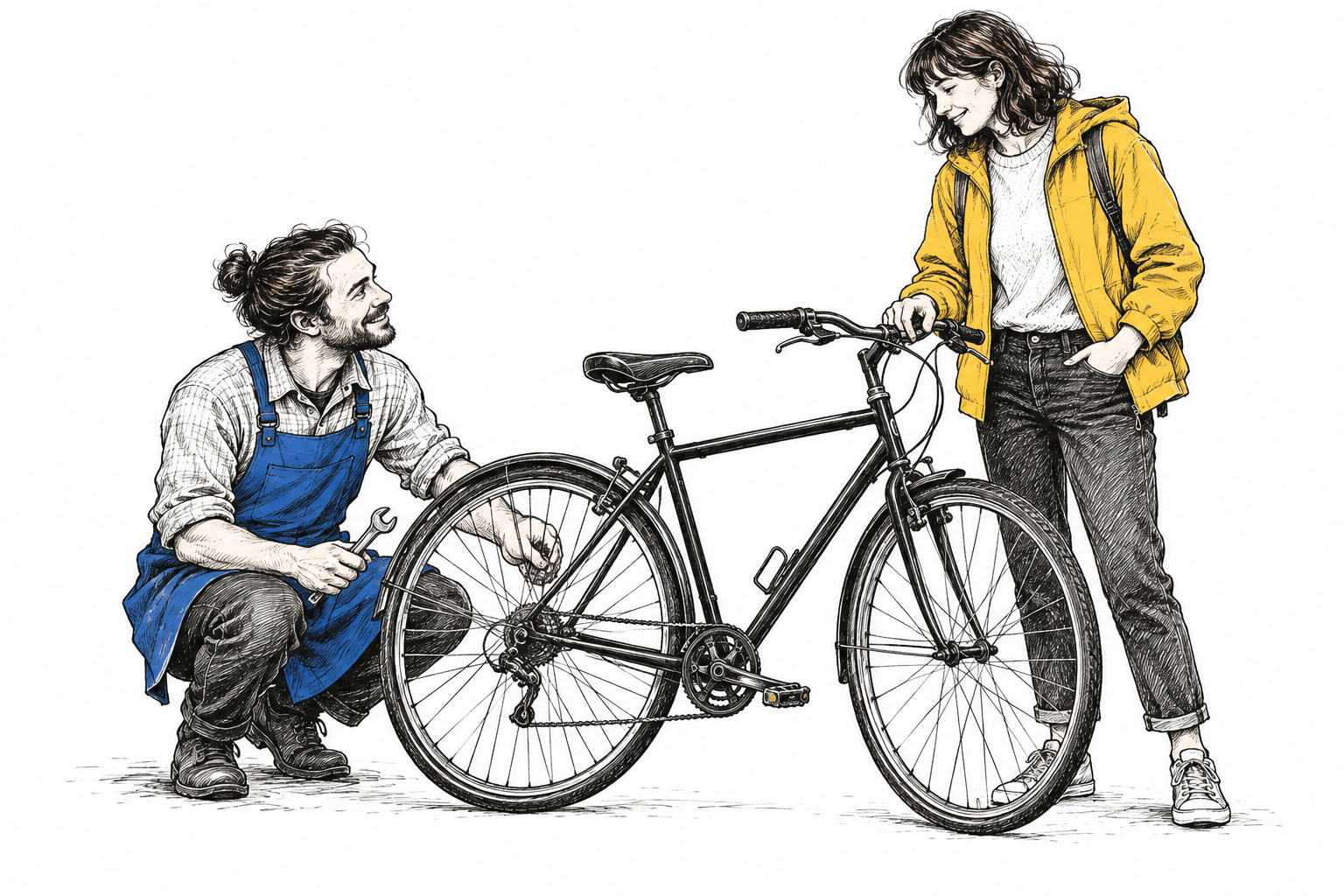
Pixel crop (left, top, right, bottom):
Which primitive?
Eight questions about listings. Pick the primitive whose answer the code would consume directly.
Primitive picker
One answer per row. Some rows have a defensible second answer; the feedback says when.What this sets up
Choice and Score come with confidence and a distribution; Noul comes with a yes probability. Jev 1.14’s experimental Box returns four edges and confidence, with no categorical distribution. Models and providers explains which parts of this interface transfer. Part 7 turns those numbers into act, confirm, or escalate. Frame engineering starts with the evidence and answer boundaries; question design makes those boundaries explicit and testable.